ENG
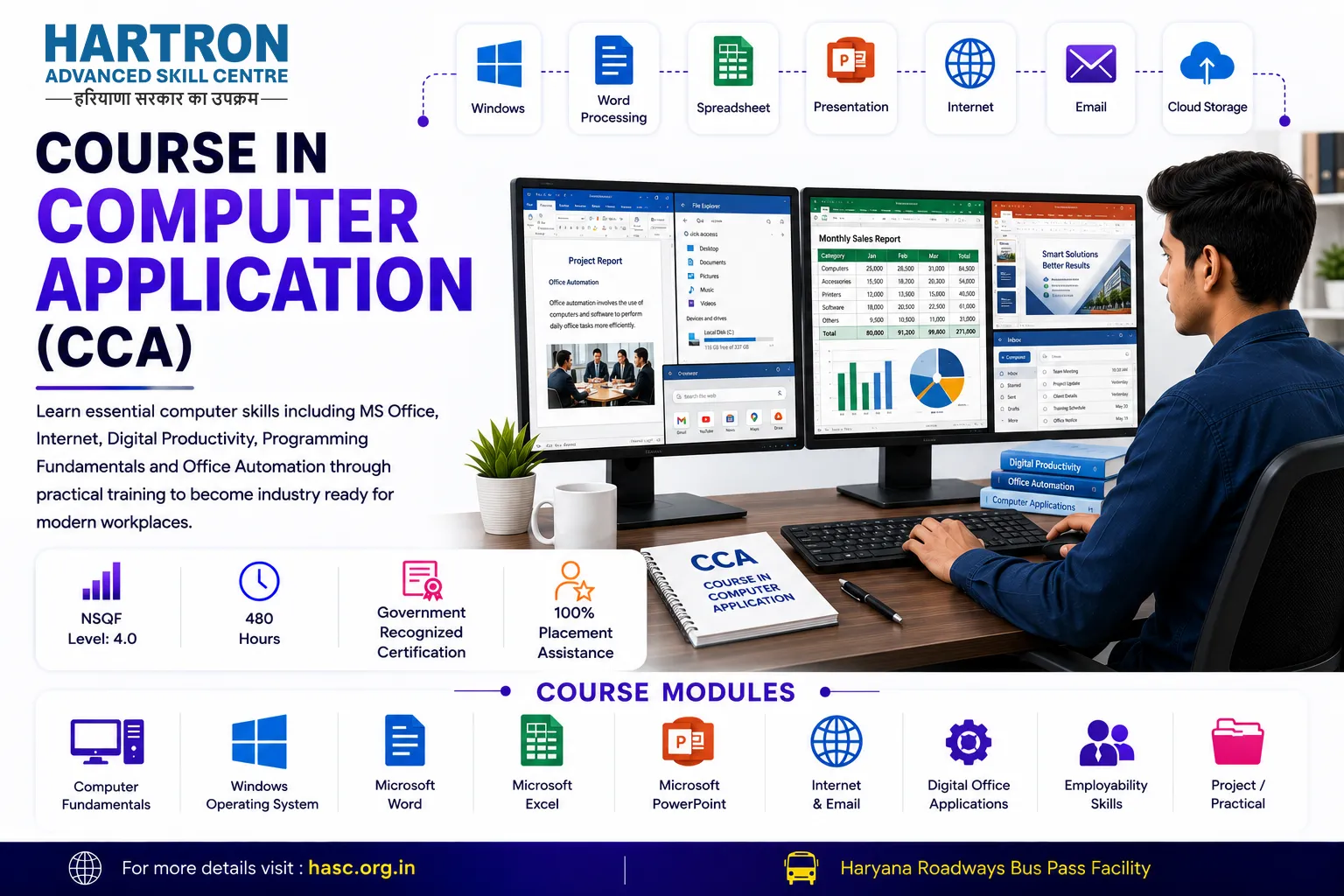
 NSQF Level: 4.0
 480 Hours
 32 students enrolled
Overview
Course in Web Technology
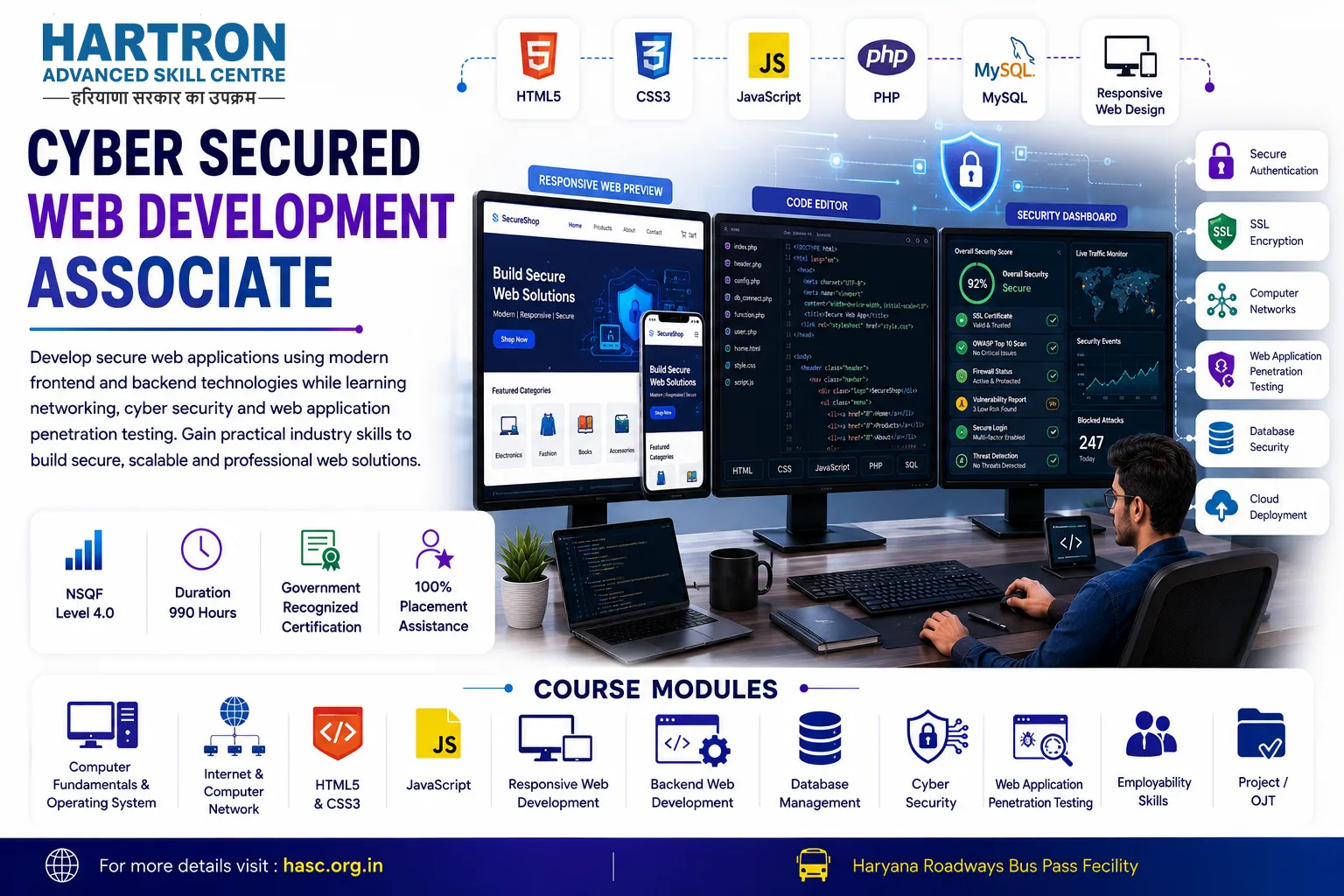
Course in Web Technology is a comprehensive web technology training program designed to develop practical skills in database management, frontend development, backend programming, responsive website design and web application development.
Learners study HTML, CSS, JavaScript, SQL, UX/UI design with Figma, web application frameworks and one backend programming option: PHP or Python. The curriculum combines theoretical learning with practical exercises.
The course also includes employability skills and OJT, project work and viva to help learners apply their technical knowledge in practical web development tasks.
What You Will Learn
- IT Foundation and Office Automation
- Database Management with SQL
- HTML, CSS and Responsive Web Design
- JavaScript, DOM and jQuery
- Backend Development with PHP or Python
- Database Connectivity and Data Management
- UX/UI Design with Figma
- Web Application Frameworks and MVC
- Employability Skills
- OJT, Project Work and Viva
Career Opportunities
After successful completion of the course, candidates can explore opportunities such as:
- Web Developer
- Front End Developer
- Back End Developer
- User Interface Designer
- IT / Web Technology Trainer
Why Choose This Course?
- Industry-Oriented Accounting Curriculum
- Practical Tally ERP Training
- GST & Income Tax Compliance Skills
- Financial Statement Preparation
- Payroll & TDS Management
- Project-Based Learning
- Job-Oriented Training
Course Content
-
 Define Computer and its characteristics.
-
Explain advantages and disadvantages of Computer.
-
Explain the history and generation of Computer.
-
Classify computers on the basis of size and data handling.
-
Describe the basic applications of computer.
-
Describe and identify the various components of computer.
-
Define computer memory and types of computer memory.
-
Explain computer hardware & software, input & output devices, types of software and differentiate between them.
-
Explain the Concepts of data and information and their difference.
-
Explain the number systems and conversion between them.
-
Define Machine Language & Programming languages and describe language translators (Compiler, Assembler and Interpreter).
-
Explain IECT and its applications.
-
Define operating system and types of operating system.
-
Explain advantages and disadvantages of GUI.
-
Explain the functions of operating system.
-
Explain the difference between GUI and CUI.
-
Introduction to Digital Presentation
-
Secure Web Access and Communication
-
Cloud Storage and Online Collaboration
-
Define windows, its features and its components.
-
Define and use file, folders, various icons & Window Accessories options.
-
Introduction to Digital Presentation
-
Create/ delete/ rename/ move/ hide and organize files and folders.
-
Identify and use various options in control panel such as add/ remove devices, programs, fonts, user account etc.
-
Personalize Window desktop and improve performance of computer using utility tools.
-
Identify the common computer issues and solve them.
-
Use the basic functionality of MS Word to open, save, close and print at document.
-
Use formatting and page layout features in MS Word.
-
Use MS Word to insert tables, graphics, header and footer.
-
Use mail merge feature of MS Office.
-
Create Excel sheet and enter and edit data in a cell.
-
Open, close, save and print excel sheet.
-
Insert simple formulas & functions (add, subtract, multiply, divide, count)
-
Insert, delete & adjust cells, columns & rows, chart and graphics in a sheet.
-
Create power point presentation and insert slides, text graphics, animation & transition.
-
Use design layouts and templates for presentations.
-
Use print setup and layout to print presentation.
-
Describe Keyboard basics and correct way of typing.
-
Describe typing with various keys and using shortcut keys.
-
Define Network, types of network. Explain Client and Server model.
-
Define topology and explain types of network topologies.
-
Explain the different types of network communication media.
-
Explain the terms Domain Name Server, Web Browser, search Engine, Uniform Resource Locator, e-mail etc.
-
Search, navigate and and download information from internet.
-
Create and use email account for composing, replying, forwarding and searching mails.
-
Describe connecting devices through Bluetooth, WiFi, Mobile hotspot etc.
-
Explain the concept of Viruses, Malwares, e-mail spam and other privacy issues related online shopping.
-
Explain Safety measures of safe browsing, antivirus, firewalls etc.
-
Define cloud and cloud storage.
-
Explain the different types of cloud storage.
-
Explain cloud service provider with some example.
-
Explain Benefits of online storage over local storage and portable storage
-
Explain the meaning of database and concept of DBMS.
-
Mention the limitation of manual system over DBMS.
-
Define SQL and its uses.
-
Creating, modifying and deleting database and tables.
-
Define Primary key and set table primary key.
-
Retrieve and manipulate data with SQL queries.
-
Describe and use sub queries, Joins, types of joins, views and derived tables.
-
Describe and use stored procedure and Triggers.
-
Explain the meaning of Web development.
-
Introduce HTML and its uses
-
Describe structure of HTML web page.
-
Identify and define html tags, element and attributes
-
Create webpage and format its content using various tags and attributes
-
Define and use list, tables, and links in webpage
-
Attach multimedia (picture, sound video) in webpage.
-
Define CSS and its application in webpage.
-
Use basic CSS rule types: font-size, color, font-family, background-color, text-align, etc.
-
Demonstrate using borders and height and width CSS properties.
-
Describe the following simple selector types: element, ID, class.
-
Demonstrate using borders and height and width CSS properties.
-
Explain responsive web design and its key principles.
-
Define ViewPort, Grid View, Media Query
-
Explain bootstrap and its features.
-
Explain the meaning of XML, its syntax and uses.
-
Differentiate between HTML and XML.
-
Describing the Structure of XML - Declaration, Elements, Attributes, Comments, CDATA, XM Entity References, Parsers.
-
Describing Document Type Definitions.
-
Using XSL and XSLT.
-
Introduce JavaScript and its application in webpage creation
-
Define and use datatypes, operators
-
Demonstrate use of conditional statements
-
Differentiate between various image formats
-
Define and call function to perform particular task.
-
Describe and use Events
-
Describe and use JavaScript Form validation.
-
Describe JavaScript Object and Browser Object Model.
-
Describe Document Object Model. Introduce jQuery and its syntax.
-
Define and use selectors, attributes, events.
-
Introduce jQuery ajax
-
Explain the meaning of UX and UI
-
Differences and Similarities between UX and UI.
-
Explain some features of Figma that make it popular for UX/UI design?
-
Why are high-fidelity mock-ups important in the design process?
-
Explain tools in Figma used to create shapes and layout elements for a design?
-
Explain the meaning and purpose of Web application framework.
-
Differentiate between CMS and framework.
-
Explain the types of web framework.
-
Differentiate between backend and front end frameworks.
-
Introduce popular web frameworks and their features.
-
Explain MVC architecture and its work flow.
-
Explain advantages and disadvantages of using web application frameworks.
-
List steps of server installation
-
Discuss webserver and configuration files
-
Describe syntax, datatype and operators
-
Illustrate use of arrays, functions, conditional statement and loops to perform a task
-
Demonstrate use of built in functions and create custom functions
-
Explain and differentiate POST and GET
-
Process Form’s data
-
Validate and restrict data on Form
-
Define State management (cookies and session)
-
Set and manage cookies
-
Explain OOPs concepts
-
Define and work with Class and objects
-
Includes files in PHP
-
Explain and demonstrate file handling functions
-
Use PHP for email, mobile OTP and Captcha
-
Demonstrate Errorand exception handling
-
Create and manage database in phpMyAdmin
-
Insert and manipulate data from database
-
Define Framework and its concepts
-
Describe codelgniter and its uses
-
Illustrate Data Flow in CodeIgniter
-
Describe Models, Views and Controller (MVC)
-
Configure Database
-
Create webpage using CodeIgniter.
-
Introduce Python, its history, features & application
-
Demonstrate installing PYCharm IDE
-
Use various keywords, datatypes, variables, operators etc
-
Use Control Flow Statements in python programming
-
Use lists, tuples, set, and dictionaries in Python program
-
Describe and use functions, arguments, return statements, recursion etc. in programming
-
Describe and use functions, arguments, return statements, recursion etc. in programming
-
Perform basic file handling operations in python
-
Describe and Create Python modules and Packages
-
Create and use classes and objects. Use concept of inheritance, overloading, overriding and data hiding etc. in programming
-
Use exceptional handlings statements
-
Communication Skills
-
Teamwork
-
Problem Solving
-
Interview Preparation
-
Professional Ethics
-
Workplace Readiness

 NSQF Level: 4.0
 Duration: 480 Hours
 Government Recognized Certificate
 Certificate of Completion
 12th Pass or Equivalent